 dizi.jpg Blog
Posts · · 2 min read
What a good TV & movie tracker should do (and why I built one)
Episode-level progress, a real release calendar, spoiler-safe reviews and an export button. Here is the checklist I used when TV Time shut down, and how dizi.jpg handles each item.
A TV & movie tracker sounds like a simple thing: a list of what you have watched. In practice most of them fall apart the moment you follow more than a handful of shows. I have been keeping a watch log for years, and when TV Time shut down I went looking for a replacement. I did not find one I liked, so I built dizi.jpg. Full disclosure: I am its developer.
This post is the checklist I ended up with. You can use it to judge any tracker, including mine.
1. It tracks episodes, not just titles
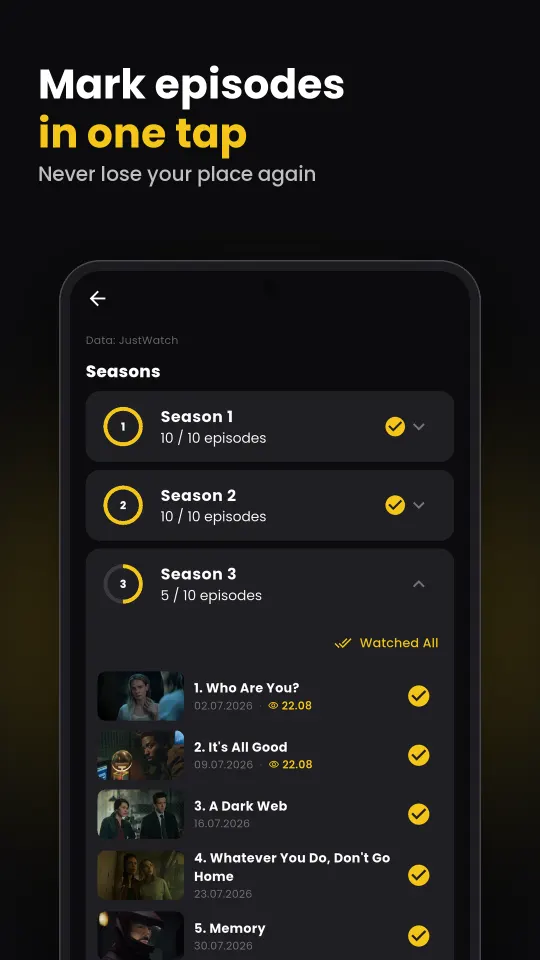
For movies, "watched" is enough. For shows you need to know that you are on season 3, episode 5. A good tracker lets you tick an episode with one tap, fills a progress bar per season.
2. It tells you when new episodes arrive
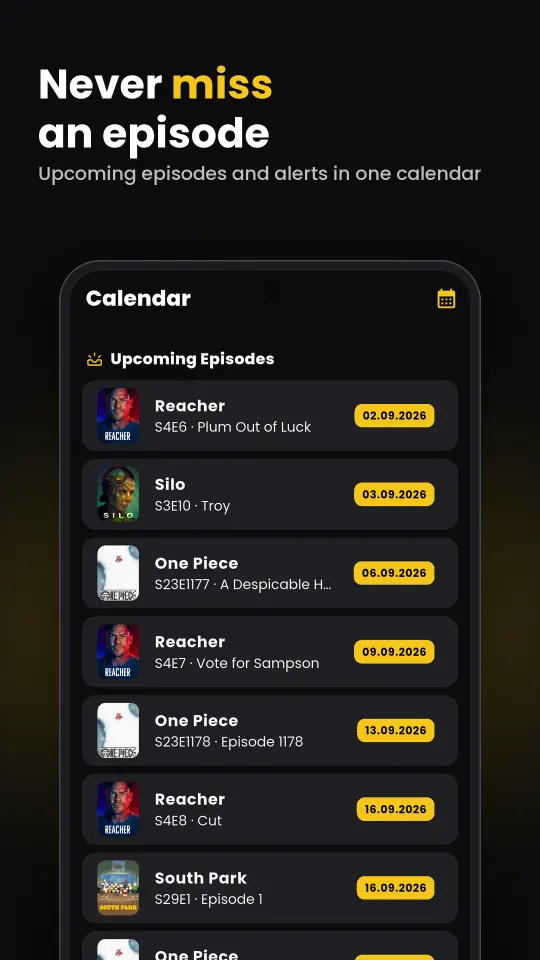
The whole point of tracking is not having to remember. dizi.jpg keeps an upcoming episodes calendar grouped by show, with how many episodes you are behind, and sends a notification to your phone when a new one airs.
3. It keeps your library in clear states
Watchlist, watching, completed, dropped. Four shelves, filled automatically as you mark episodes. Rewatches are counted separately instead of overwriting your first watch, and ratings go down to decimals if you care about the difference between a 4.2 and a 4.5.
4. It protects you from spoilers
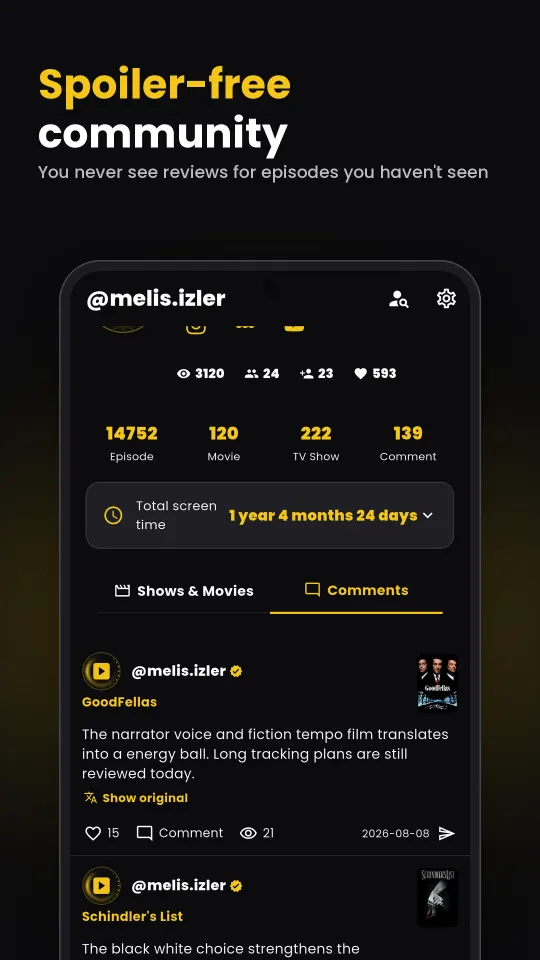
Reading reactions after an episode is half the fun, and the fastest way to get spoiled. dizi.jpg uses two layers: the reviewer can flag a spoiler, and the server also knows where you are. If you have not watched S3E4, reviews about S3E4 are blurred for you even if nobody flagged them. Reviews written in other languages are shown translated, with the original one tap away.
5. It helps you decide what to watch next
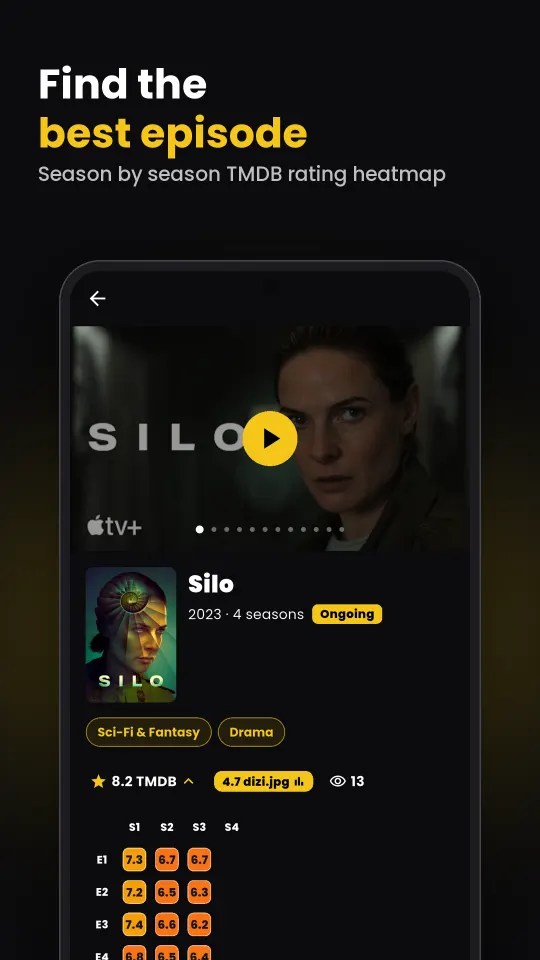
- Episode heatmap: every episode rating of a show on a season × episode grid. See where a show dips before you commit. Try it on Breaking Bad.
- Rating distribution: an average of 6.0 can mean "everyone thought it was okay" or "half loved it, half hated it". The histogram tells you which.
- Where to watch: streaming, rent and buy options on each title page.
- The wheel: spin your watchlist and let it pick. Surprisingly, this is the feature I use most.
6. It lets you bring your history in, and take it out
Starting from zero is why most people never switch. dizi.jpg imports the TV Time export file and Letterboxd exports (watched films, ratings, lists), and a single CSV or JSON works too. In the other direction, you can export everything at any time (the ZIP is sent to your email) and delete your account completely. Apps shut down; your log should not go with them.
7. It works where you are
dizi.jpg runs on the web, on Android (including Android TV) and on iPhone, in 46 languages. There are no ads and no in-app purchases.
Try it
You can browse without an account: the Discover page is open to everyone. If you are coming from TV Time, bring your export file along. Feedback of any kind is welcome.